Getting Started
Your guide to setting up and using ReuseApp
1
Create Your Account
Sign up with your organization details, verify your email, and set up your profile in just a few minutes.
2
Configure Your Workspace
Set up custom fields, invite team members, and configure forms to match your organization's workflow.
3
Start Managing
Begin adding clients and equipment, track distributions, and generate reports for your funders.
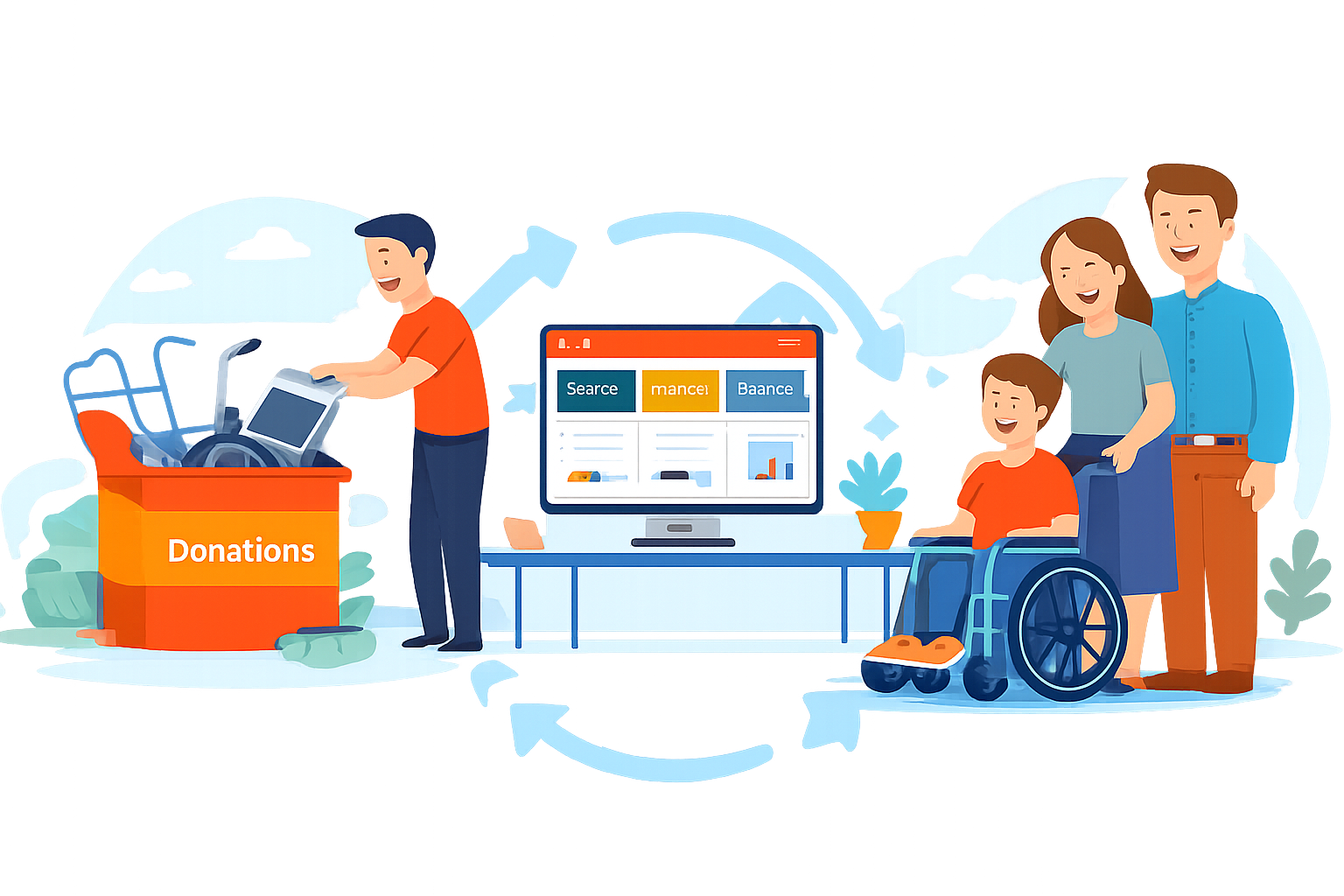
Account Setup
Create your organization account and get started in minutes
Creating Your Organization Account
Click "Sign Up", select your organization type, and provide your organization's name, EIN, and contact information.
Setting Your Organization Profile
Complete your profile with logo, mission statement, billing information, and service configuration.
Inviting Team Members
Go to Settings → Team Management to invite your team and assign roles (Administrator, Manager, Member, Viewer).
Configuring Your Workspace
Customize ReuseApp to match your organization's workflow
Key Features to Get Started
Everything you need to manage your medical equipment reuse program
Client Management
Add clients, record intake information, track equipment distributions, and manage notes and communications all in one place.
Equipment Inventory
Set up equipment categories, add items to inventory, track status (available, in use, in refurbishment), and manage the complete lifecycle.
Equipment Matching
Search available inventory by equipment type, check condition and suitability, record distributions, and schedule follow-ups.
Reports & Analytics
Generate custom reports for funders, view dashboard metrics, create grant compliance reports, and export data in multiple formats.
Security & Privacy
Data encryption, HIPAA-compliant infrastructure available, role-based access controls, audit logs, and two-factor authentication.
24/7 Support
Access help center articles, email support, phone support for Enterprise plans, and live chat during business hours.
Best Practices for Success
Follow these guidelines to get the most out of ReuseApp
Data Entry Standards
Use consistent naming conventions, complete required fields immediately, add detailed notes for complex situations, and update information promptly.
Regular Maintenance
Review and reconcile inventory monthly, update client contact information quarterly, audit access logs regularly, and backup critical data.
Team Training
Schedule initial training for new team members, provide role-specific materials, establish data entry standards, and review privacy protocols regularly.
We're Here to Help
Get the support you need to succeed
Help Center
Access comprehensive articles, video tutorials, and FAQs covering all features.
Email Support
support@reuseapp.com
Get responses within 24 hours on business days
Phone & Live Chat
Enterprise plans include phone support and live chat during business hours.
Next Steps
- Complete your organization profile and custom field setup
- Invite your team members and assign appropriate roles
- Create your client intake form and equipment categories
- Import existing data (contact support for assistance)
- Train your team on the platform
- Begin recording new clients and equipment
- Generate your first report and share with stakeholders
Ready to Amplify Your Impact?
Join nonprofit organizations across the country who are using ReuseApp to serve more clients, streamline operations, and demonstrate their mission impact.
Schedule a Free Demo